With an output grid showing, simply choose File: Print and a dialog box for printing options will be activated.
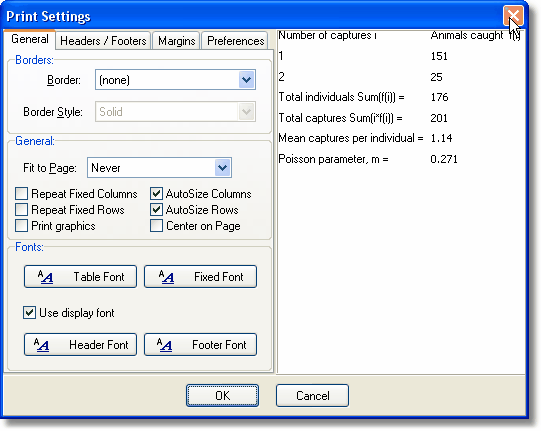
Using the options presented, you can change almost all aspects of the printed grid.
To change the default printer, and the printer's settings, use the File: Printer Setup option:

To save the results as a file choose File: Export and follow instructions in the dialog box. You will be able to save the text as a comma-delimited file (*.csv), ASCII text file (*.txt), Excel file (*.xls) or HTML.
