The graphs can be printed using File: Print, or the Print button on the chart toolbar.

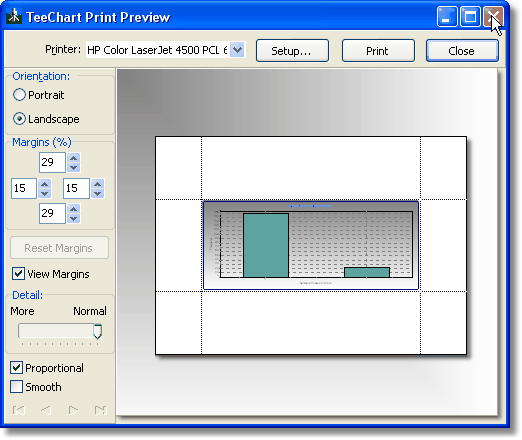
Using either option will call up the Print Preview dialog, showing the page layout, and allowing image size, margins, and paper orientation to be changed.
If you have the full version of Adobe Acrobat (not the free Acrobat Reader) installed on your computer, you will be able to convert the chart directly to a .pdf file by selecting the appropriate program from the list of available printers in the Print dialog box.