Selecting the Samples to analyse
|
|
Top Previous Next |
|
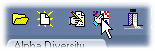
Not all the samples in the data set need be analysed. To select or deselect samples for analysis use the select data button (the 4th from left button on the tool bar).
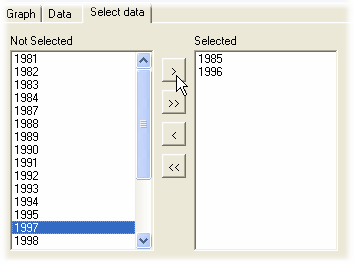
This will open the select samples to analyse window. Use the buttons between the two boxes to deselect and select samples.
Once you have made your selection, the bottom bar will show the number of samples that will be used for the calculations.
|